

World Generator Types: Maps, 3D Scenes, or Videos?
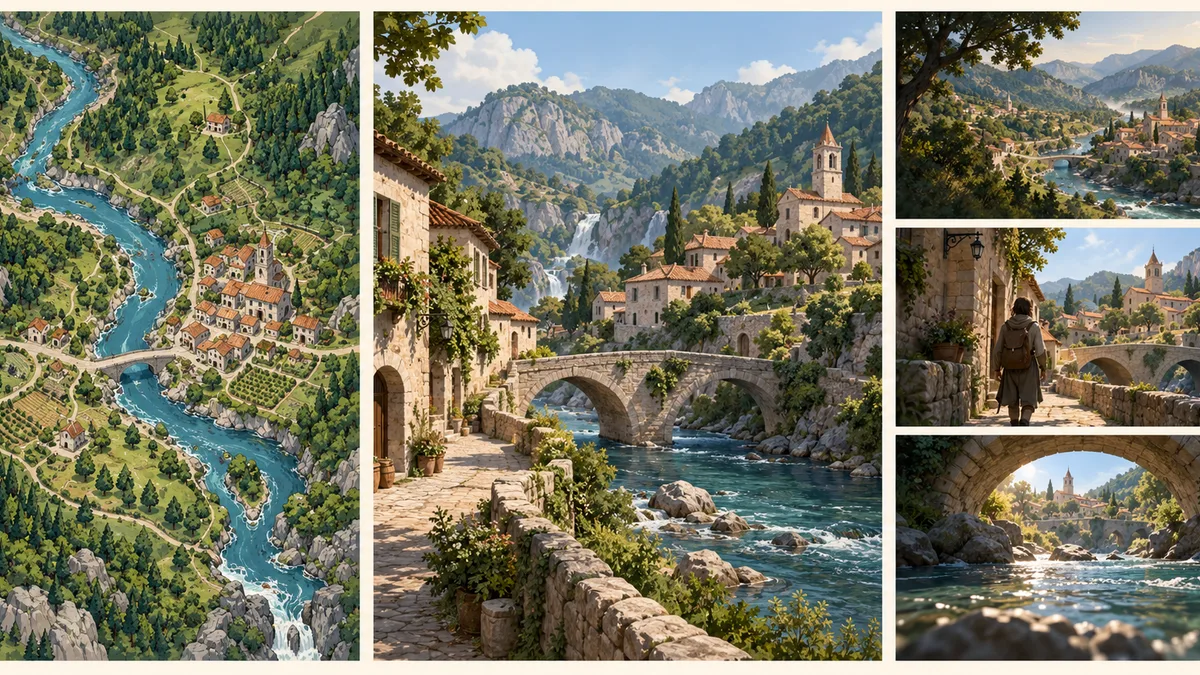
A world generator can produce a fantasy map, an explorable 3D environment, or a sequence of moving images. Those outputs solve different problems. Choose by what you need to do with the result: plan geography, move a camera through a space, or watch a finished shot.
On AI World Generator, start with the 3D world gallery if you want to explore existing scenes. The homepage also has a prompt and reference-image preview. At the time of this guide, that preview does not generate a new world. This distinction matters when you are choosing a workflow rather than collecting attractive examples.
Start with the deliverable
Imagine a riverside town for a fantasy project. A novelist may need to know which road connects it to the capital. A filmmaker may need to inspect the bridge from different viewpoints. A trailer editor may only need a short approach shot. The setting is the same; the required output changes.
| Your next task | Useful generator category | What to verify before committing |
|---|---|---|
| Place regions, rivers, borders, and settlements | World map generator | Map layers, editable labels, scale, and save/export options |
| Inspect a location from several viewpoints | 3D environment generator or scene viewer | Actual viewpoint movement, scene boundaries, and available assets |
| Create an establishing shot | Video generator | Duration, framing, motion controls, and downloadable video |
| Build a playable level | Engine terrain tools and a game-development pipeline | Geometry, collision, navigation, performance, and gameplay scripting |
| Develop a setting for a story | Map tools plus written worldbuilding notes | Geography, travel logic, society, and continuity across scenes |
The quickest useful question is: what must I be able to change after generation? If the answer is a country's border, a video is the wrong starting point. If it is a camera position, a single map will not show you enough.
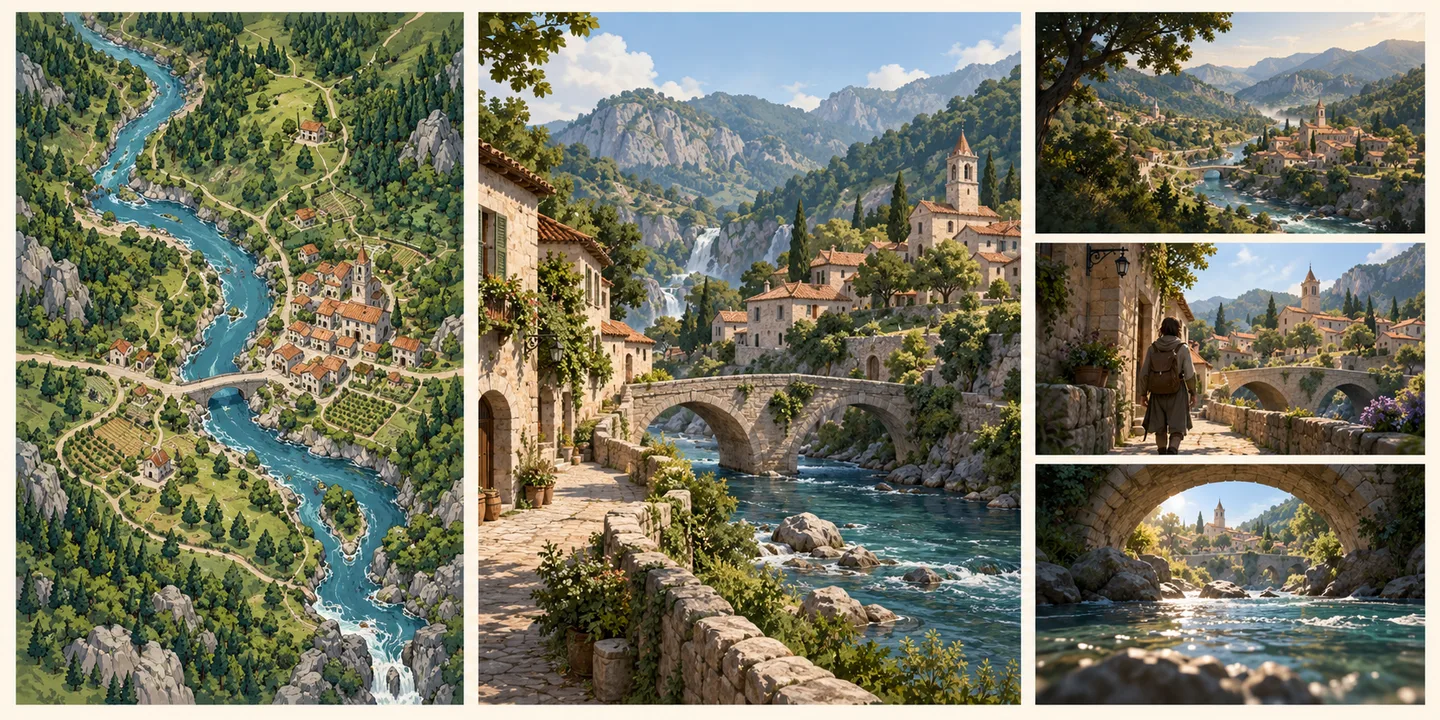
Concept illustration of three deliverables. It is not a screenshot or a comparison of tested generator outputs.
World map generators answer “where?”
A world map organizes relationships at a broad scale: coastlines, mountain ranges, waterways, settlements, and political regions. It is useful when distance and adjacency matter more than the texture of an individual wall.
Azgaar's Fantasy Map Generator is an example of a map-focused tool. Its project describes a customizable map application; its live interface includes layers such as heightmap, rivers, cultures, states, routes, and population. Those are useful controls for developing a setting's geography.
For the riverside town, a map can help you decide whether the settlement is a trade junction, how a road reaches a mountain pass, and which neighboring region controls the crossing. It does not by itself establish what a traveler sees from under the bridge.
Before choosing a map tool, try a small editing task. Move or rename one settlement, inspect a river, and save the map in a form you can reopen. A beautiful map image and a reusable map project are different deliverables. If you need exact scale, confirm how distances are represented rather than estimating from the image.
3D world generators answer “what is it like to be there?”
A spatial scene lets you inspect a location from different positions. This makes it useful for environment references, composition, and early discussion about sightlines or atmosphere.
World Labs' explanation of its 3D world generation describes environments built from image or text inputs and export as Gaussian splats. That is an example of a spatial output rather than simply an overhead map. Check the current product documentation for the input and export options available to your account; the linked article describes a particular stage of that product's development.
On this site, the world gallery provides existing scenes to explore in a browser. Use it to study how a small environment reads from different viewpoints. Look at a foreground object, the route through the scene, and a distant landmark. A preview thumbnail only reveals the initial composition.
Being able to view a scene is not enough to establish that it is a playable game level. If your project needs collision, navigation meshes, interactive objects, or editable terrain, verify each requirement in the downstream pipeline. A rendered scene does not establish those properties automatically.
World videos answer “what happens during this shot?”
A video delivers an ordered sequence of frames. It can communicate atmosphere, a camera move, or an event. The viewer watches the chosen sequence rather than freely selecting a new viewpoint.
For the riverside town, a useful shot brief might be: begin at the path entrance, move slowly toward the bridge, and finish with the watchtower visible beyond it. That can communicate the setting well, even when you do not need a reusable 3D asset.
The practical check is simple: can you move independently after playback stops, or only replay the same sequence? A smooth camera move can look spatial while still being a fixed video. If you need an explorable scene, ask for an actual scene viewer or supported spatial asset. If you only need a trailer shot, a video may be sufficient.
Do not interpret “world generator” as an export guarantee. Check the specific file type and inspect a sample in your intended application before buying a plan around that assumption.
A scene is not yet a game world
A playable level combines appearance with rules. Players need permitted movement, surfaces that behave correctly, interaction logic, and a clear objective. A visually convincing doorway may still need geometry and collision work before it functions as an entrance.
Use a small acceptance checklist before calling an environment production-ready:
- Can the intended camera or player reach the required positions?
- Are doors, paths, stairs, and obstacles usable in the target engine?
- Can you edit or replace the assets you need to change?
- Does the scene run acceptably on the intended device?
- Are usage rights and export permissions suitable for the project?
These are verification tasks, not capabilities promised by a thumbnail. For an early art-direction meeting, you may only need visual references. For a game milestone, require an imported scene with the needed behavior working.
Combine tools around one small brief
A productive workflow moves from broad relationships to local detail.
First, decide the town's role: a river crossing between a forest and a farming region. Make a simple map or diagram to settle that geography. Next, choose one location to visualize: the path leading to the bridge. Write a scene brief with the camera position, the path, a landmark, materials, and lighting. Finally, choose a spatial scene or a video according to the next review task.
Keep a short continuity note alongside the outputs: river direction, bridge material, tower position, and time of day. Reusing those constraints makes it easier to compare iterations. It does not guarantee that separate generators will produce matching layouts.
For a structured way to write that brief, use our world generator prompt guide. It focuses on local scenes and revision decisions rather than whole-continent geography.
What you can do on AI World Generator now
The useful starting points are browsing existing 3D worlds and trying the homepage prompt preview. The preview accepts a prompt of up to 2,000 characters and an optional JPG, PNG, or WebP reference image within the displayed 10 MB limit. Its visible notice says that images stay on your device and no world is generated.
Use that preview to prepare a brief and explore the supplied inspiration examples. Do not treat its loading state as delivery of a newly generated 3D asset. For planning, separate the thing you can browse today from the thing you still need to generate or build elsewhere.
Start with one scene in the gallery and decide what your project needs from it: a geographic idea, a viewpoint reference, or inspiration for a shot. That decision will narrow your choice of world generator more effectively than a generic list of tools.
Product and interface facts checked on October 19, 2026. Published by AI World Generator.